Copier Sales in Monroe, LA

Choosing a copier for a Monroe office starts with considering the work it has to handle: how many people print to it, how much the front desk scans in a week, and whether color is worth paying for on every page. Gulf Coast Office Products helps Monroe businesses answer those questions before they buy or lease, so you aren't paying for capacity the office will never use. We'll ship the equipment you choose to Monroe, and maintenance and repairs are handled by a qualified local service provider in the area, so support for the machine stays local.
That same help applies whether the office needs a compact multifunction printer for a handful of employees or a faster copier for a busy front office. GCOP sells Ricoh and Savin equipment and offers flexible lease options alongside outright purchase, so both the machine and the way you pay for it fit the business.
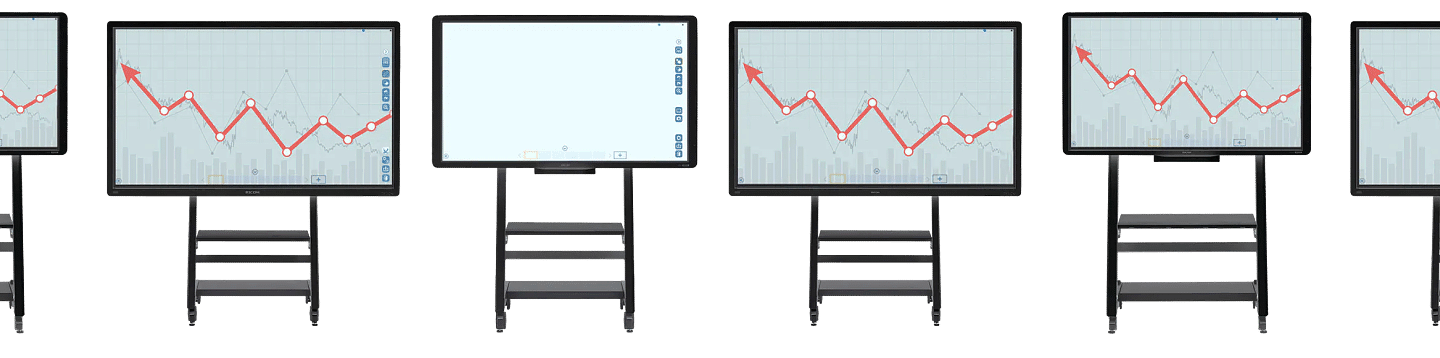
With a Ricoh Interactive Whiteboard, you can efficiently deliver your message in the most collaborative and clear environment possible.
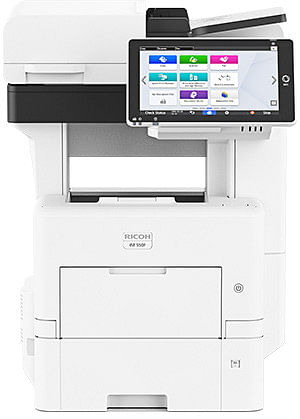
Handle all of your office needs with one unit. Copy, Scan & Print all seamlessly integrated with a Ricoh Multifunction Printer.
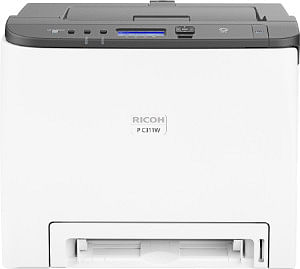
Need just a simple printer? We’ve got the best there is on offer on industry standard laser printers.
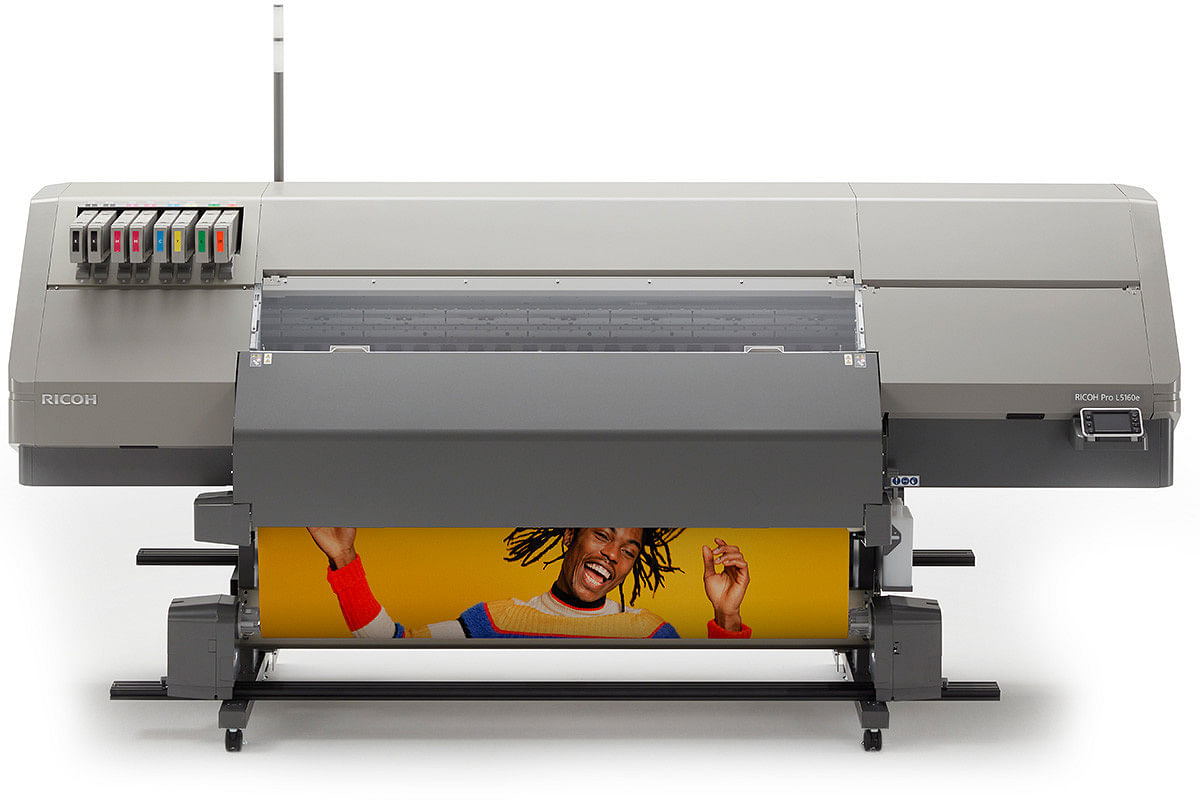
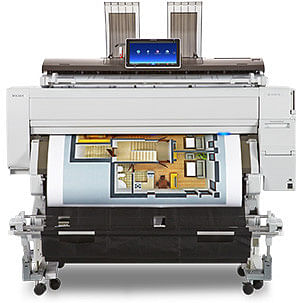
From graphic arts to the everyday office, wide-format printers can deliver the quality and precision you need to stand out at scale.
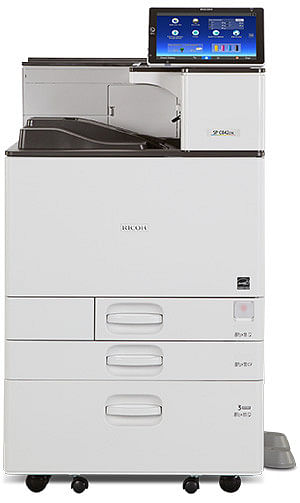
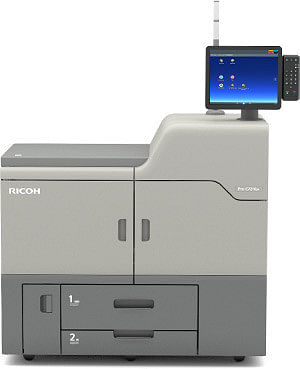
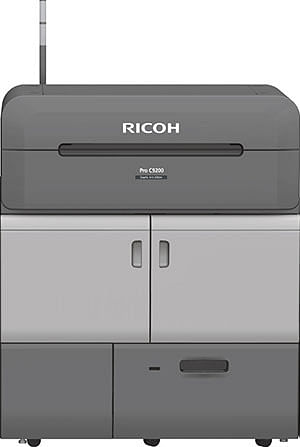
Our cut-sheet office printers provide a higher print quality that’s immediately noticeable through the print clarity and density.
With Ricoh Smart Integration and Docuware, we provide you with tools that save money, time, and make life easier.



Many offices no longer need a separate copier, printer, and scanner. A multifunction printer handles printing, copying, and scanning from one machine, which leaves the office less equipment to manage and fewer steps between a paper document and a digital file. Consolidating machines this way can also lower printing costs across the office.
Depending on the model, available features may include network printing, duplex printing, high-speed scanning, secure print release, and multiple paper trays.
A black and white printer keeps everyday document costs in check, while a color printer earns its place in offices producing proposals, marketing pieces, or client-facing reports.
Offices with heavier production work or large-format prints, like plans and signage, can also choose from GCOP's cut sheet and wide format printers.
The right copier depends on how your office works day to day, and the machine with the longest feature list is often the wrong one. A GCOP equipment specialist helps Monroe businesses sort out what matters before anything ships.
We start with how many people use the machine, how many pages the office prints and scans each month, and how often color comes into it.
You'll see machines side by side on speed, volume, scanning, paper handling, and the features that matter most in an office copier, so the choice rests on your workload rather than a model number.
Once the right machine is clear, you choose between buying it outright and leasing it, and GCOP ships the equipment to Monroe.
A lease spreads the cost of the equipment over time instead of asking for the full price upfront, which keeps cash available for the rest of the business. Leasing can also make it easier to move to newer equipment later, a good fit for offices that expect their print needs to grow or change.

Buying makes sense for businesses that want to own the machine and expect to keep it for years, since the purchase price is settled once with no monthly lease payment afterward. Neither option is cheaper for every business, because the cost of leasing versus buying a copier shifts with your budget, how long you plan to keep the machine, and how quickly your needs are likely to change.
GCOP sells and distributes copiers and printers to Monroe businesses and ships the equipment to Monroe. Once the machine is running, maintenance and repairs come from a qualified local service provider in the Monroe area, so service comes from someone nearby. When you compare equipment, ask how service will work for the model and agreement you're considering, and you'll know who to call before the machine ever needs attention. Questions about choosing or adding equipment come to GCOP, where real people answer the phone.


A law office and a church office can both need a copier and still need very different machines, since the right fit depends on the documents each office handles every day.
Contracts, filings, and case files call for dependable scanning and document production, and many law firm copiers add secure print release, depending on the model, to keep confidential pages off the output tray.
Patient forms and insurance paperwork move through the front desk of medical offices all day. Depending on the model, secure print and user authentication can support an office's own privacy practices.
Classroom materials, newsletters, and testing packets make high-volume printing routine for schools, so paper capacity and speed matter more than in most offices.
Tax season brings heavy scanning and printing, and scan-to-folder workflows, depending on configuration, keep client documents organized and easy to find.
Bulletins, programs, and event flyers often call for color, while a shared office machine has to stay simple enough for staff and volunteers to run.
When only a few people share one machine, a copier sized for a small business can cover printing, copying, and scanning without the footprint or cost of a larger unit.
Throughout Monroe
GCOP has helped Louisiana businesses choose office equipment for over five decades, and Monroe offices can buy or lease from the same lineup of copiers, printers, and multifunction machines GCOP sells across Louisiana. Equipment ships to Monroe, where a local service partner supports it once it's in place.

Yes. Gulf Coast Office Products sells and leases copiers, printers, and multifunction machines to Monroe businesses and ships the equipment to Monroe.
A qualified local service provider in the Monroe area handles maintenance and repairs. Ask about the service arrangement for any machine you're considering, so you know who to call once it's in place.
It depends on the business. Leasing spreads the cost over time and can make upgrades easier, while buying gives you ownership and suits offices that plan to keep the machine for years. Your budget and how quickly your needs change usually decide it.
Size follows the workload: the number of people using the machine, monthly print and scan volume, how much of it is color, and the paper sizes the office uses. A small office sharing one machine often needs far less capacity than a busy front desk.
GCOP sells Ricoh and Savin equipment, and Savin now sits under the Ricoh brand.
Contact Gulf Coast Office Products to compare copiers, printers, and multifunction machines for your Monroe office and decide whether buying or leasing fits your budget. Call (225) 756-2644 or request a callback, and a real person will help you narrow down the equipment that suits your workload.

2026 Gulf Coast Office Products. All rights reserved | Privacy Policy | Legnd Web Design