
Printers
Business Printers for Modern Workflows
The right printer can make everyday office work faster, cleaner, and more predictable. From simple desktop devices to high-volume production systems, business printers help teams create proposals, invoices, reports, forms, packets, marketing materials, and customer-facing documents without slowing down the workday.
A business printer is built for more consistent performance than a basic home device. These machines are designed around print volume, speed, paper handling, network security, supply efficiency, and long-term reliability. Depending on the model, a printer may produce black-and-white pages, full-color documents, wide-format graphics, or high-volume output for departments that print thousands of pages each month.

P C375
- Print speeds up to 32 ppm in color and B&W
- Up to 1,200 × 1,200 dpi print resolution
- 2 GB RAM and 32 GB eMMC storage
- 250-sheet standard paper tray
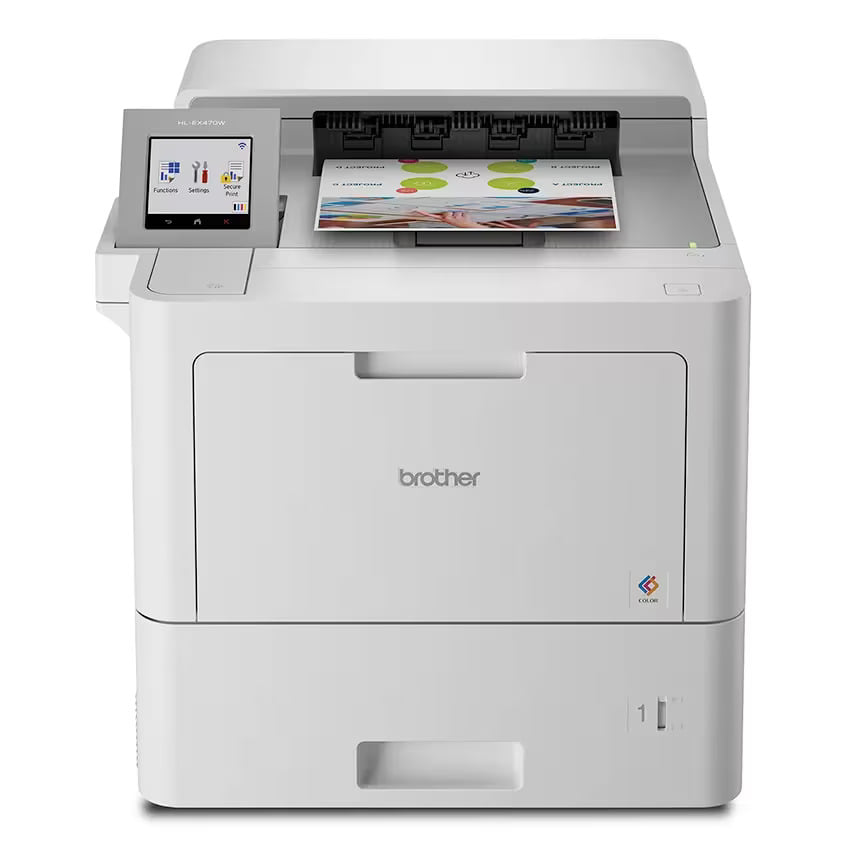
HL-EX470W
- Print speeds up to 42 ppm in color and B&W
- Automatic duplex printing at up to 42 ppm
- Up to 2,400 × 600 dpi class print resolution
- 3.5" color touchscreen display
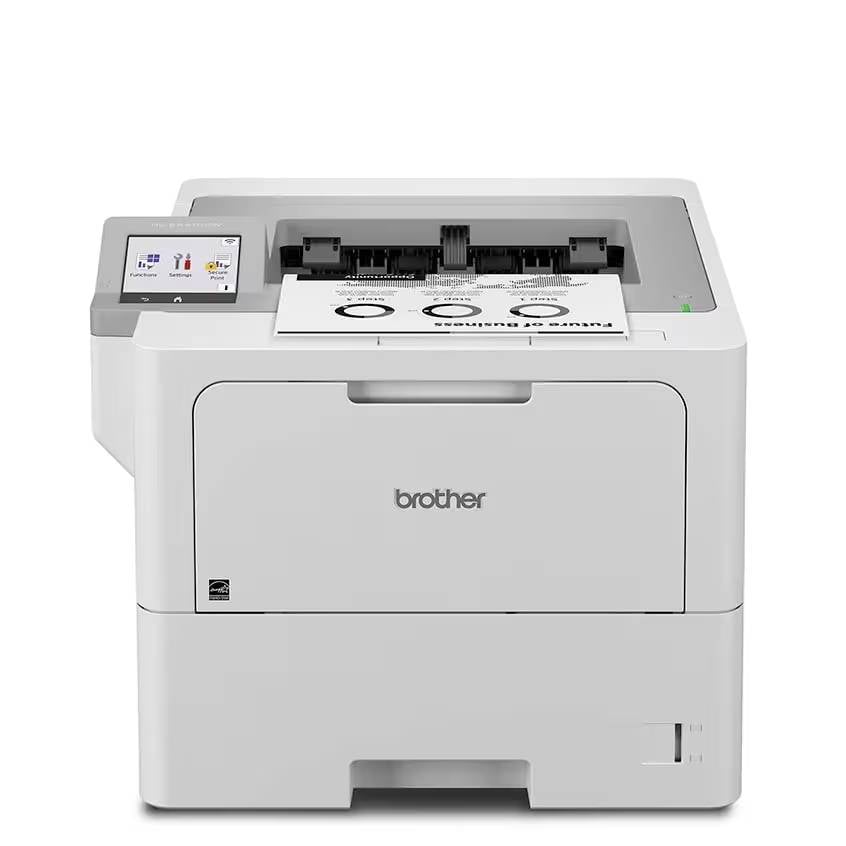
HL-EX415DW
- Print speeds up to 52 ppm
- Up to 1,200 × 1,200 dpi print resolution
- 3.5" color touchscreen
- 1 GB standard memory
What Types of Printers Are Available?
Browse the extensive printer lineup to find the ideal match for technical requirements and daily workload.
OFFICE PRINTERS
Office printers come in several major categories. Black-and-white printers are ideal for forms, records, contracts, and everyday documents where speed and low cost per page matter most.
COLOR PRINTERS
Color printers support branded materials, charts, presentations, brochures, and other documents where visual clarity is important.
MULTIFUNCTION PRINTERS
Multifunction printers combine printing, copying, scanning, and faxing into one shared device.
CUTSHEET PRINTERS
Cutsheet printers use individual sheets of paper, while wide-format printers handle oversized plans, posters, signs, and technical drawings.
How to Choose the Right Printer
Start by estimating how much your team prints each month and how often print jobs happen in large batches. A small office may need a compact shared printer, while a busy department may need faster speeds, larger paper trays, and higher supply yields. It is also important to consider whether the team needs color, finishing options, mobile printing, secure release, user authentication, or cloud-based workflows.
The best printer is not always the fastest or largest model. It is the device that fits your real workload, supports your staff, controls operating costs, and gives your organization room to grow.
Black-and-White Printers for Efficient Business Printing
Black-and-white printers are a practical choice for businesses that need fast, reliable document output without the added cost of color. These printers are commonly used for invoices, contracts, forms, shipping documents, internal reports, legal packets, medical records, school materials, and other text-heavy pages.
A business black-and-white printer is designed to produce sharp text, clean lines, and consistent output across high-volume workloads. Because these devices focus on monochrome printing, they are often faster and more cost-efficient than color models when a team primarily prints standard office documents.
Why Choose a Black-and-White Printer?
The biggest advantage of a black-and-white printer is simplicity. There are fewer supplies to manage, fewer color variables to control, and a lower cost per page in many office environments. For teams that print large quantities of documents every day, this can make budgeting easier and reduce supply interruptions.
Black-and-white printers are also strong fits for departments that value speed. Many models offer quick first-page output, high pages-per-minute ratings, large paper capacities, and durable monthly duty cycles. This makes them useful for accounting teams, law offices, schools, medical practices, logistics departments, and administrative offices.
Key Features to Compare
When comparing black-and-white printers, look at print speed, monthly volume, toner yield, paper capacity, duplex printing, network security, and mobile print compatibility. Organizations with sensitive documents should also consider secure print release, user tracking, encrypted storage, and access controls.
A well-matched black-and-white printer can keep daily operations moving while helping the business avoid unnecessary color-printing costs.
Color Printers for Professional Business Documents
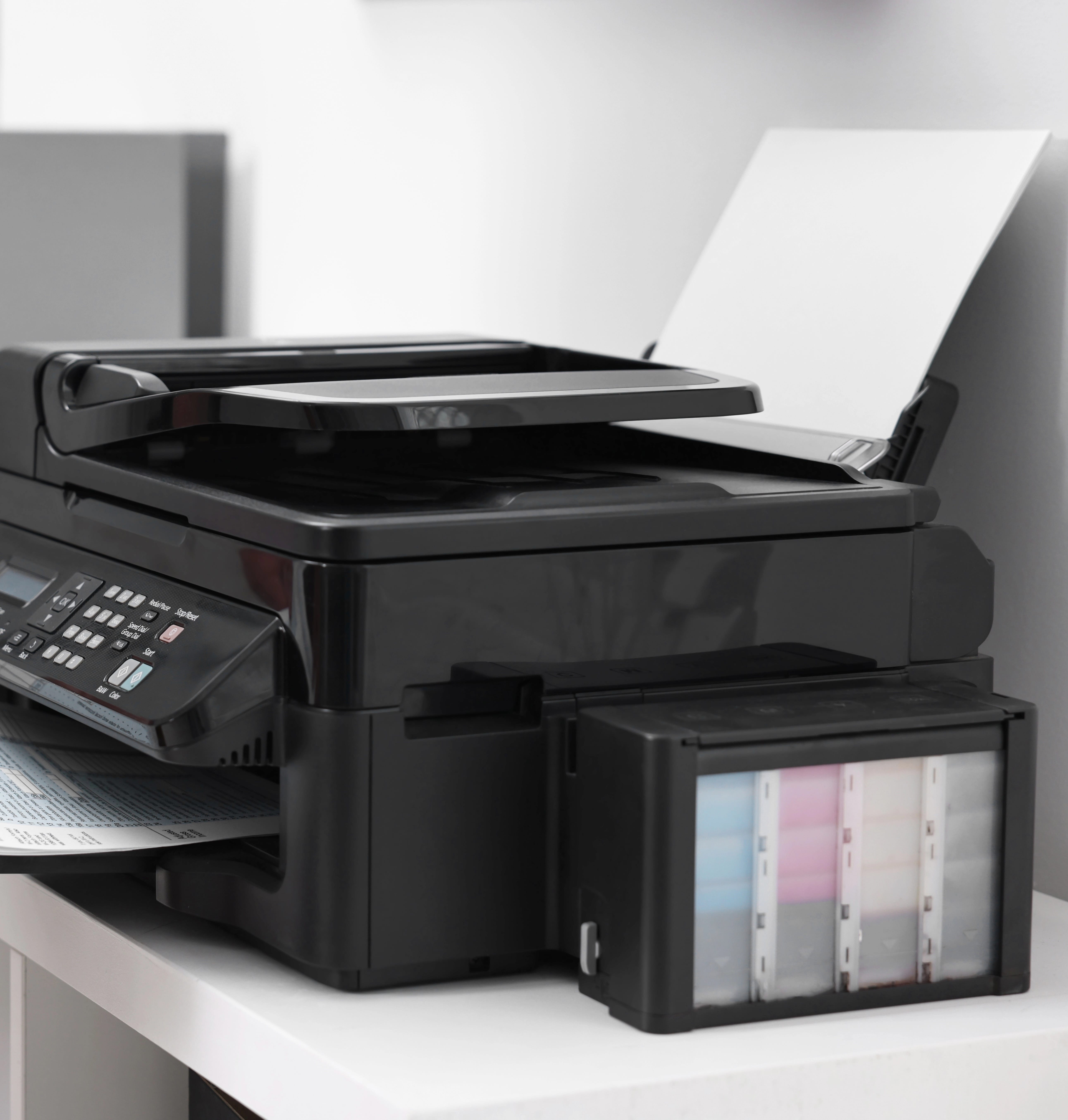
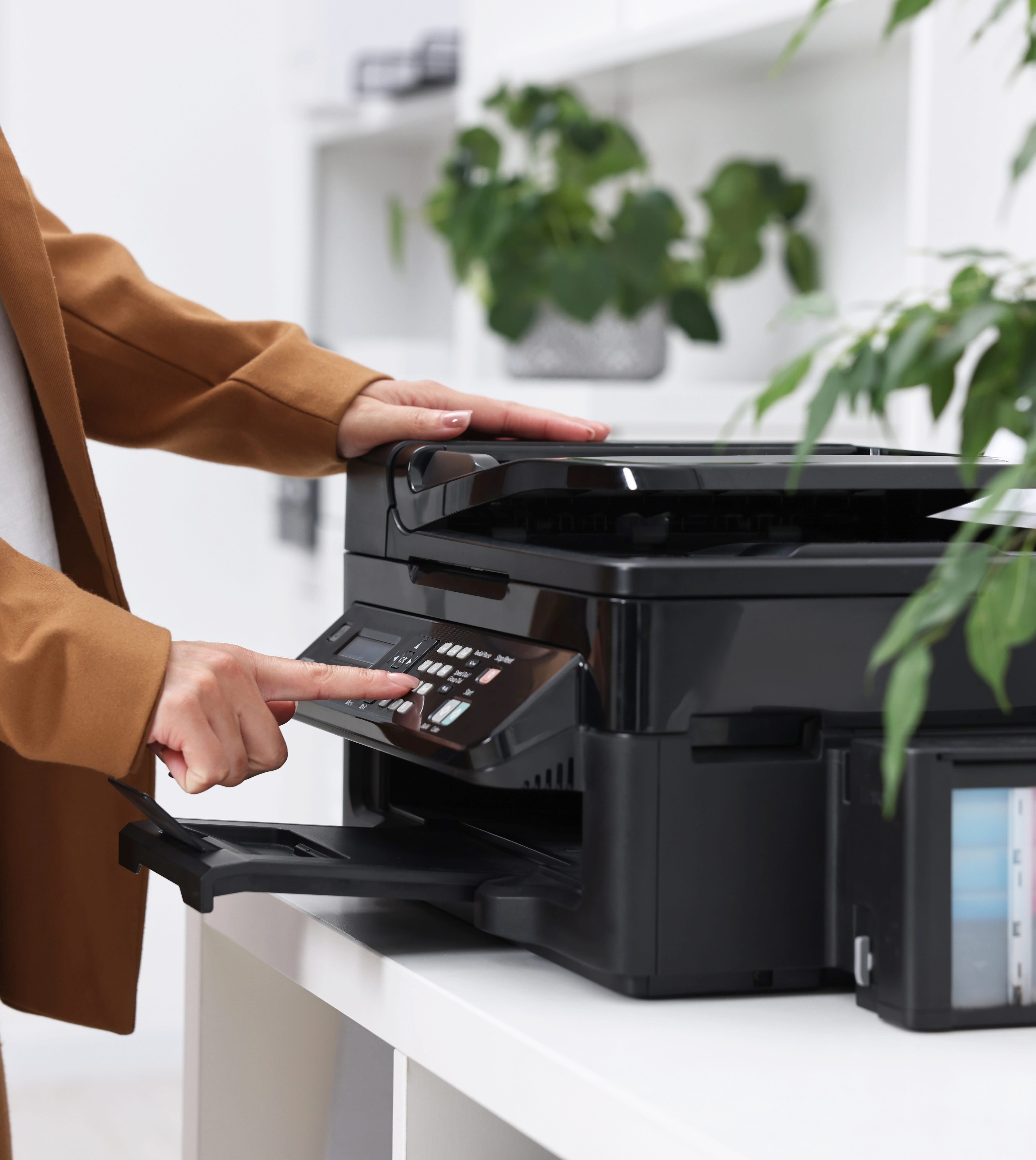
Color printers help businesses create sharper, more engaging documents for internal use, customer communication, sales, marketing, education, and presentation materials. They are useful when charts, logos, photos, graphics, maps, and branded layouts need to look clear and consistent.
A business color printer is different from a basic consumer printer because it is built for heavier use, stronger network integration, more predictable supply management, and better paper handling. These printers can support everyday office documents while also producing polished materials that reflect the organization’s brand.
When Does a Business Need Color Printing?
Color printing is valuable when documents need to communicate more than plain text. Sales proposals, training guides, brochures, reports, menus, classroom materials, patient instructions, financial charts, real estate packets, and signage can all benefit from accurate color and clean image reproduction.
Many organizations choose color printers because they want more control over timing and quality. Instead of outsourcing every color job, teams can print many materials in-house, make quick revisions, and produce short runs as needed.
What to Consider Before Choosing a Color Printer
The right color printer depends on monthly volume, desired print speed, paper size, image quality, toner or ink yield, security features, and total operating cost. Teams should also consider whether they need automatic duplexing, mobile printing, cloud connectivity, extra paper trays, label support, cardstock support, or finishing options.
A dependable color printer can help a business move faster, improve document quality, and keep branded materials consistent across departments.
Cutsheet Printers for Everyday Business Output
Cutsheet printers use individual sheets of paper rather than continuous rolls. They are the standard choice for most offices, schools, healthcare facilities, financial institutions, law firms, and administrative departments because they handle the document sizes businesses use every day.
These printers commonly support letter, legal, ledger, envelopes, labels, cardstock, and specialty media, depending on the model. A cutsheet printer may be black-and-white, color, single-function, multifunction, light production, or high-volume production.
Why Cutsheet Printing Works Well for Offices
Cutsheet printers are flexible, familiar, and easy to integrate into normal office workflows. They are built for documents that need to be printed, copied, scanned, filed, mailed, distributed, or handed directly to customers. Because the paper is already cut to standard sizes, users can quickly load trays, select paper types, and produce consistent results.
For many teams, cutsheet printing is the backbone of daily business operations. It supports invoices, packets, reports, applications, records, presentations, work orders, letters, and training materials.
Choosing a Cutsheet Printer
When selecting a cutsheet printer, consider print volume, media size, print speed, tray capacity, duplexing, finishing, network compatibility, and supply yields. A small office may need a compact model for shared use, while a larger organization may need multiple trays, secure release, and high monthly duty cycles.
A well-chosen cutsheet printer gives a business a dependable document hub for routine work, customer communication, and department-level output.
Cutsheet Black-and-White Printers for High-Volume Documents
Cutsheet black-and-white printers are designed for businesses that print large amounts of standard paper documents. They combine the efficiency of monochrome printing with the convenience of individual sheet handling, making them a strong choice for text-heavy workflows.
These printers are commonly used for contracts, invoices, forms, reports, statements, packets, manuals, policy documents, applications, and internal records. They are especially useful in organizations where speed, low operating cost, and clean text output matter more than color graphics.
Benefits of Cutsheet Black-and-White Printing
A cutsheet black-and-white printer can reduce complexity while increasing productivity. Since the device only prints in monochrome, supply management is usually simpler than it would be with a color printer. High-yield toner, automatic duplexing, and large-capacity trays can also help reduce interruptions during busy workdays.
These printers are often found in administrative departments, schools, legal offices, healthcare offices, banks, government offices, and back-office environments. They are dependable options for teams that need clear, readable documents at a predictable cost per page.
Features to Review
Important features include pages per minute, monthly duty cycle, recommended monthly volume, toner yield, paper tray capacity, media size support, duplex printing, and network security. Larger teams may also need user authentication, print tracking, secure release, and advanced queue management.
For businesses that print mostly text, a cutsheet black-and-white printer can deliver speed, reliability, and cost control without unnecessary features.
Cutsheet Color Printers for Professional Office Materials
Cutsheet color printers help businesses produce full-color documents on standard sheet sizes. They are used for presentations, proposals, reports, charts, flyers, brochures, training materials, classroom handouts, patient education sheets, and branded office documents.
These printers offer the convenience of cutsheet paper handling while adding color output for materials that need visual impact. Many models support letter, legal, ledger, envelopes, labels, glossy media, and heavier paper stocks, depending on the device.
Why Choose a Cutsheet Color Printer?
A cutsheet color printer gives teams more control over professional-looking materials. Instead of sending every color job to an outside print shop, employees can produce short runs, make quick edits, and print documents when they are needed. This can be especially useful for sales teams, marketing departments, schools, clinics, nonprofit organizations, and customer service teams.
Color also improves readability in documents that rely on charts, maps, photos, product images, highlighted sections, or brand elements. When used well, it can make information easier to understand and more memorable.
What to Compare
When reviewing cutsheet color printers, compare color quality, print speed, paper capacity, supported media types, toner or ink yield, duplexing, security settings, and finishing options. Some organizations may need color management features to keep logos and branded materials consistent.
A cutsheet color printer is a practical choice for businesses that need everyday document flexibility with the added value of professional color output.
Multifunction Printers for Complete Office Document Management
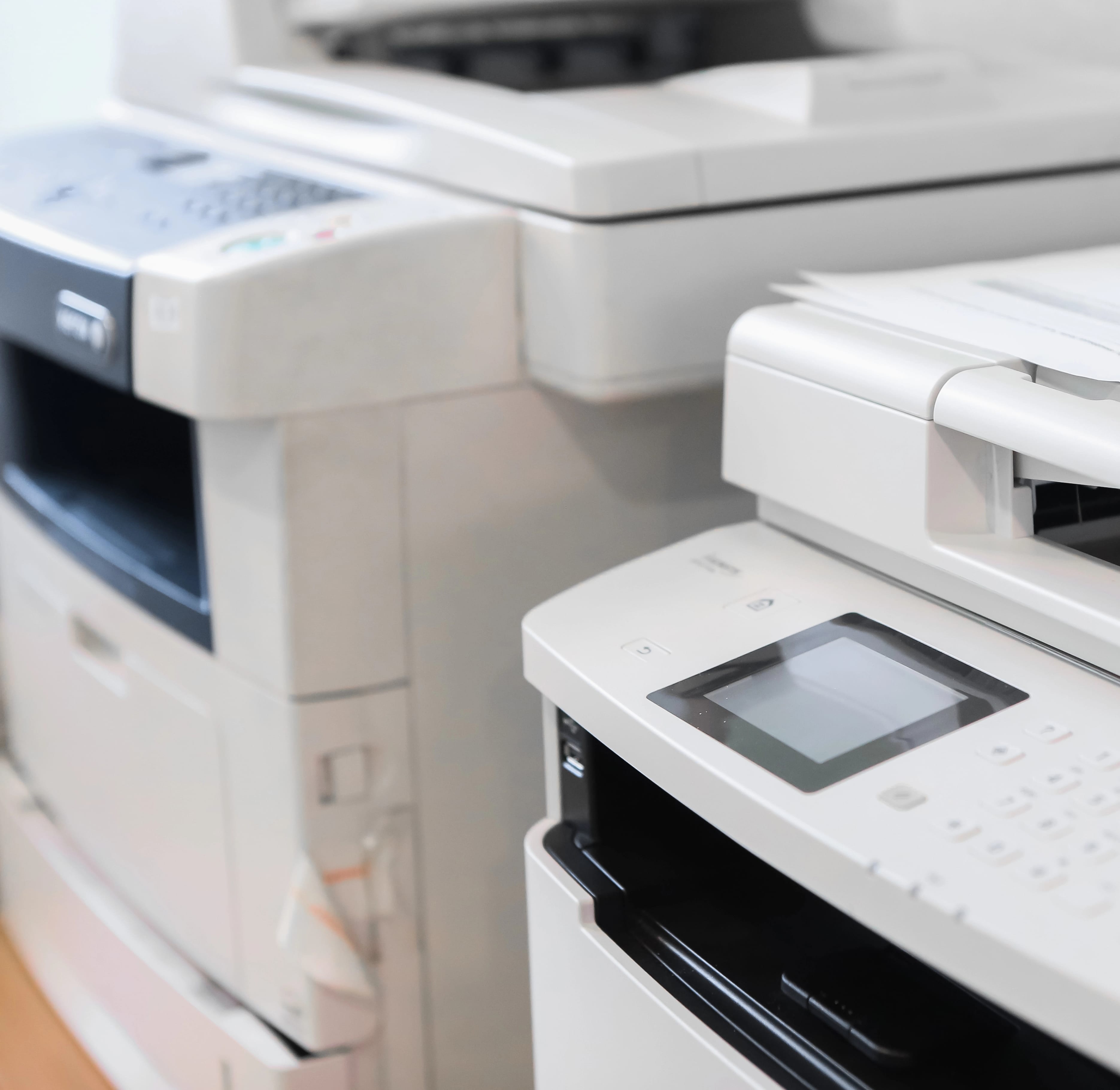
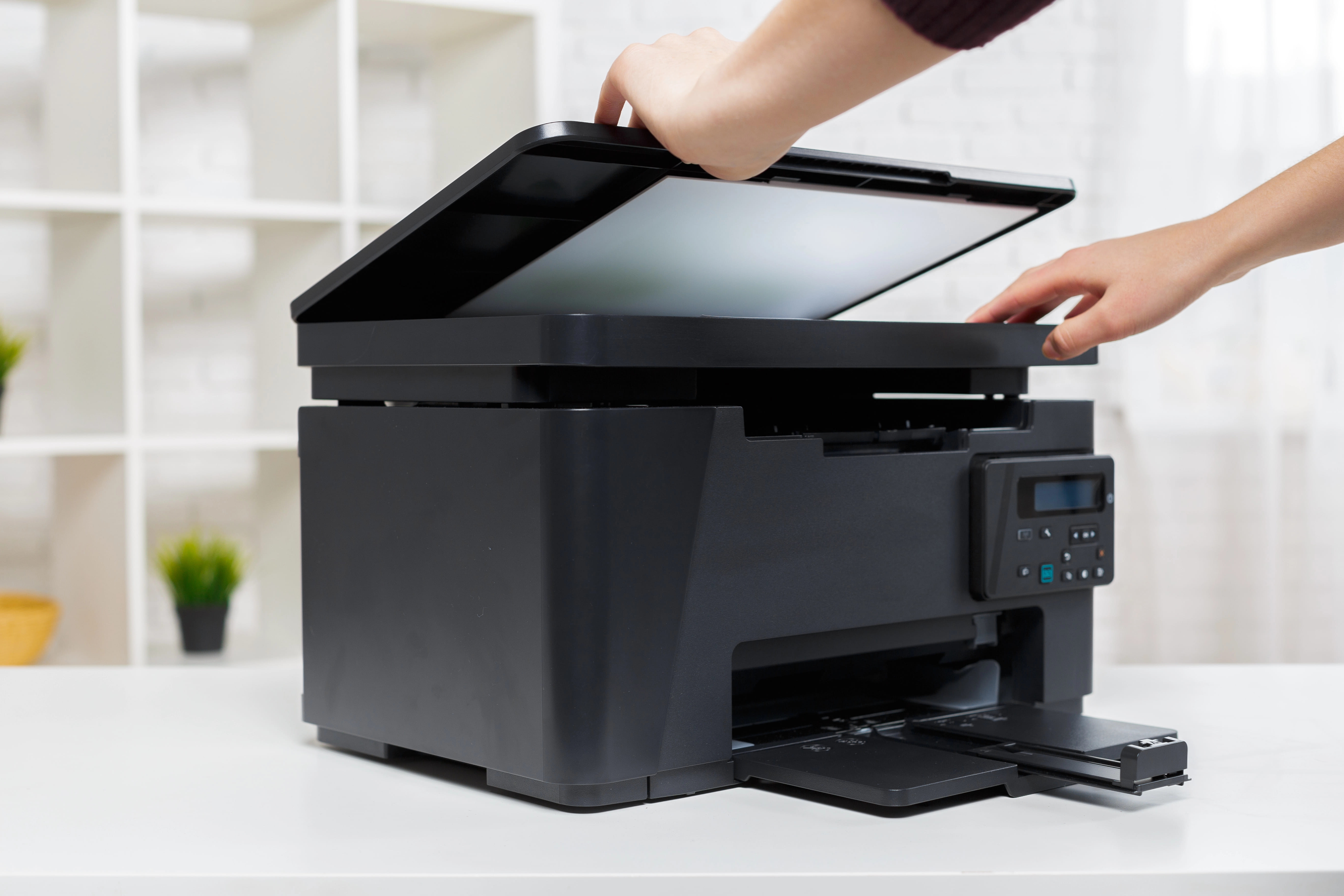
Multifunction printers combine several office tasks into one device. Most models include printing, copying, scanning, and sometimes faxing, giving teams a central place to create, capture, share, and manage documents.
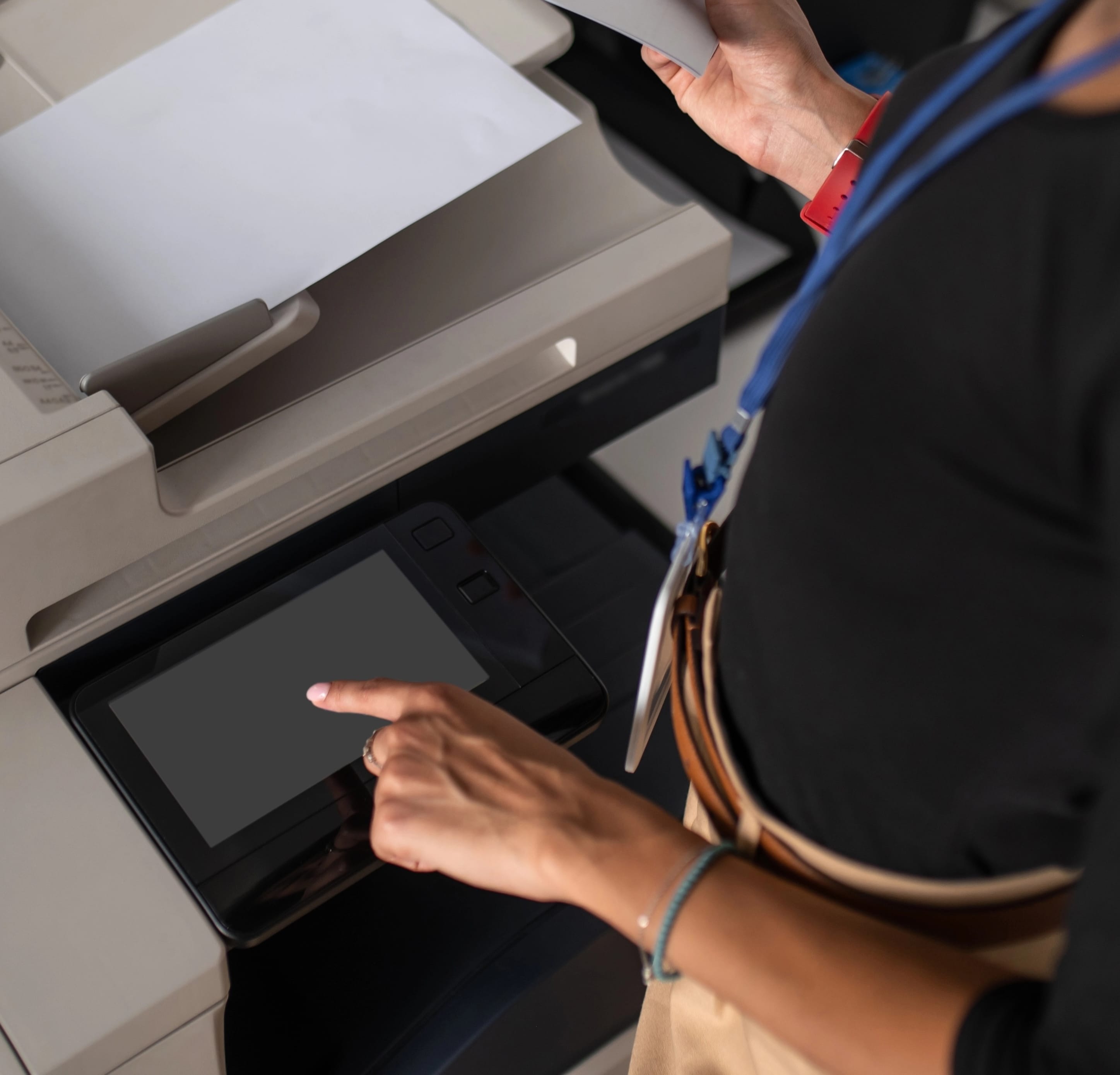
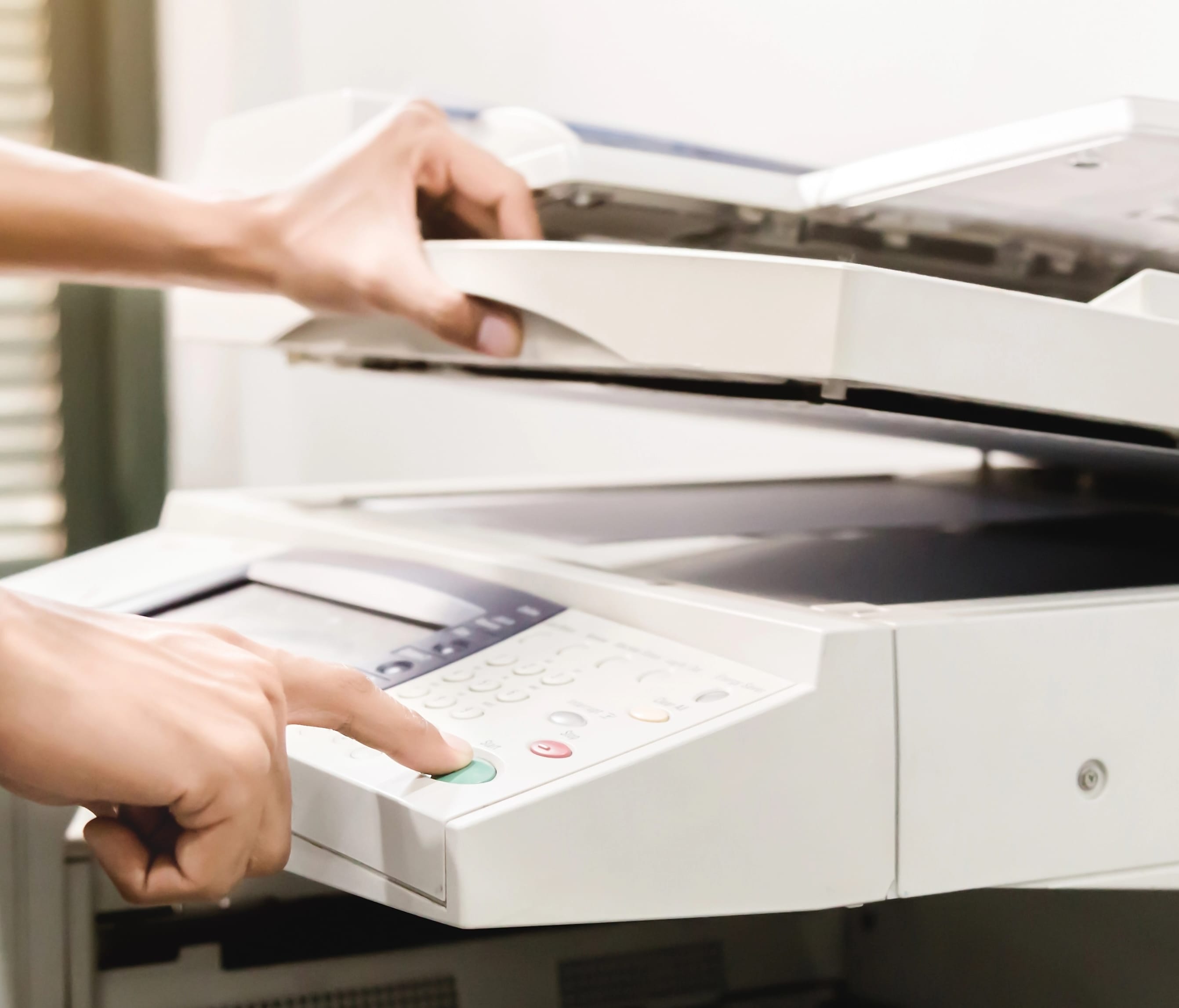
A multifunction printer is often used as a shared office hub. Employees can print reports, scan contracts, copy forms, send documents to email, store files in cloud folders, and route paperwork into digital workflows. This makes the device useful for both paper-based and digital processes.
Why Businesses Use Multifunction Printers
The main advantage of a multifunction printer is consolidation. Instead of maintaining separate printers, scanners, copiers, and fax devices, a business can use one machine that supports multiple departments. This can save space, simplify supply management, and reduce the number of devices that need service.
Multifunction printers are available in black-and-white, color, desktop, floor-standing, light production, and high-volume configurations. Some are designed for small teams, while others support entire offices with large touchscreens, secure user access, automated document feeders, and advanced workflow tools.
Features That Matter
When comparing multifunction printers, review print speed, scan speed, paper capacity, document feeder size, duplex scanning, file format options, cloud integration, mobile printing, security features, and cost per page. Organizations that handle confidential information should pay close attention to user authentication, secure print release, audit trails, and data protection.
A well-matched multifunction printer can improve productivity by helping teams move documents from paper to digital and back again with fewer steps.
Multifunction Black-and-White Printers for Fast Office Workflows
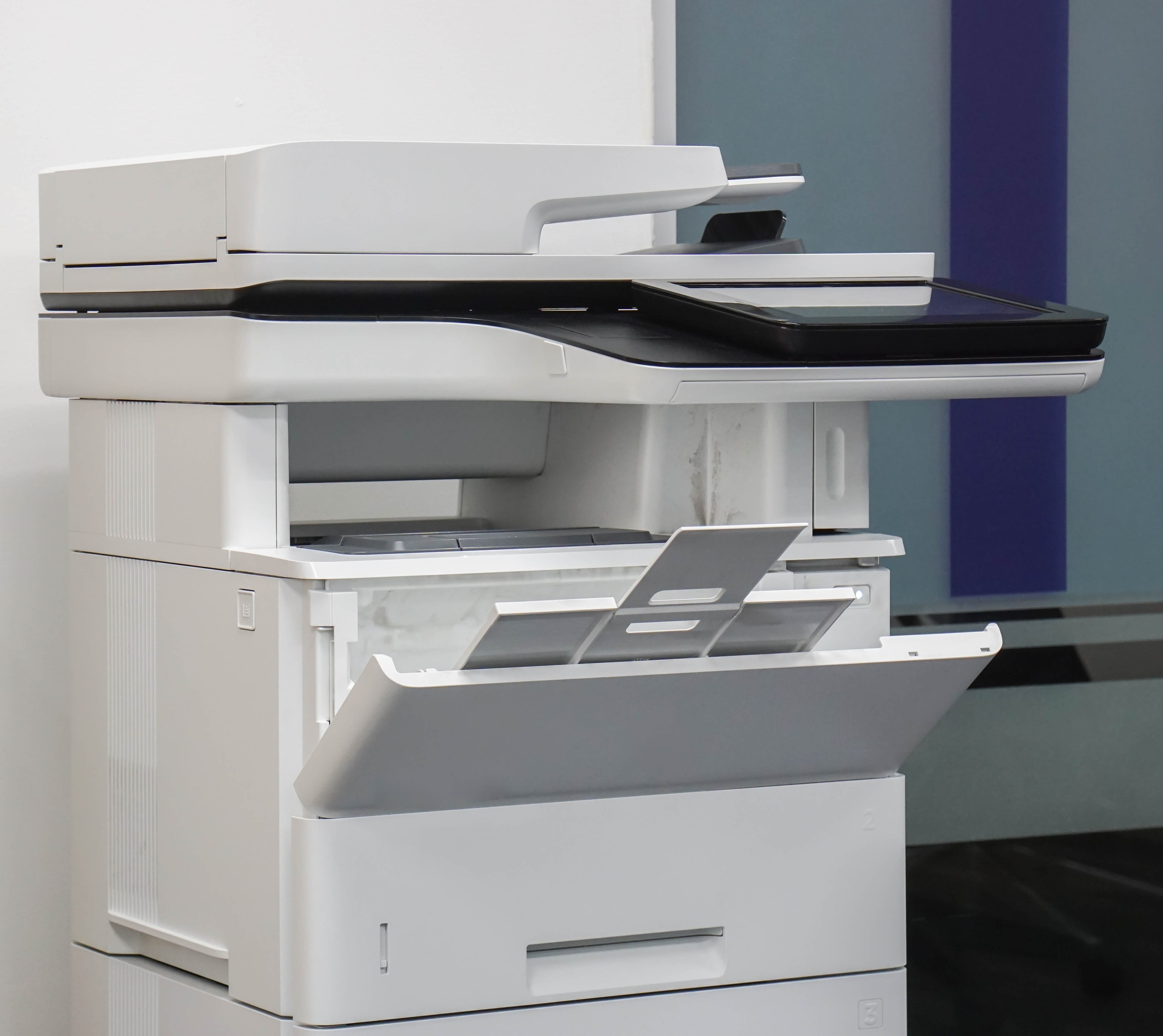
Multifunction black-and-white printers are designed for teams that need efficient document handling without color output. These devices usually print, copy, scan, and sometimes fax, making them useful for offices that manage a steady flow of forms, contracts, records, invoices, and reports.
Because they focus on monochrome output, these printers are often cost-effective choices for businesses that print mostly text. They can support high daily volumes while keeping supplies and maintenance straightforward.
Where
Black-and-White Multifunction Printers Fit Best
A black-and-white multifunction printer is a strong option for legal offices, medical practices, schools, accounting departments, warehouses, administrative teams, and government offices. These environments often need fast printing, clear copying, reliable scanning, and secure document handling more than they need full-color output.
Scanning is one of the most important features in this category. A good device can convert paper records into searchable digital files, send documents to email, route scans to network folders, and support archiving processes.
What
To Look For
Key features include print speed, scan speed, automatic duplexing, paper capacity, toner yield, document feeder capacity, secure release, and user controls. For larger teams, print tracking and access permissions can help manage costs and protect sensitive information.
A multifunction black-and-white printer gives businesses a dependable document center for everyday work while keeping operating costs predictable.
Wide-Format Printers for Oversized Documents and Graphics
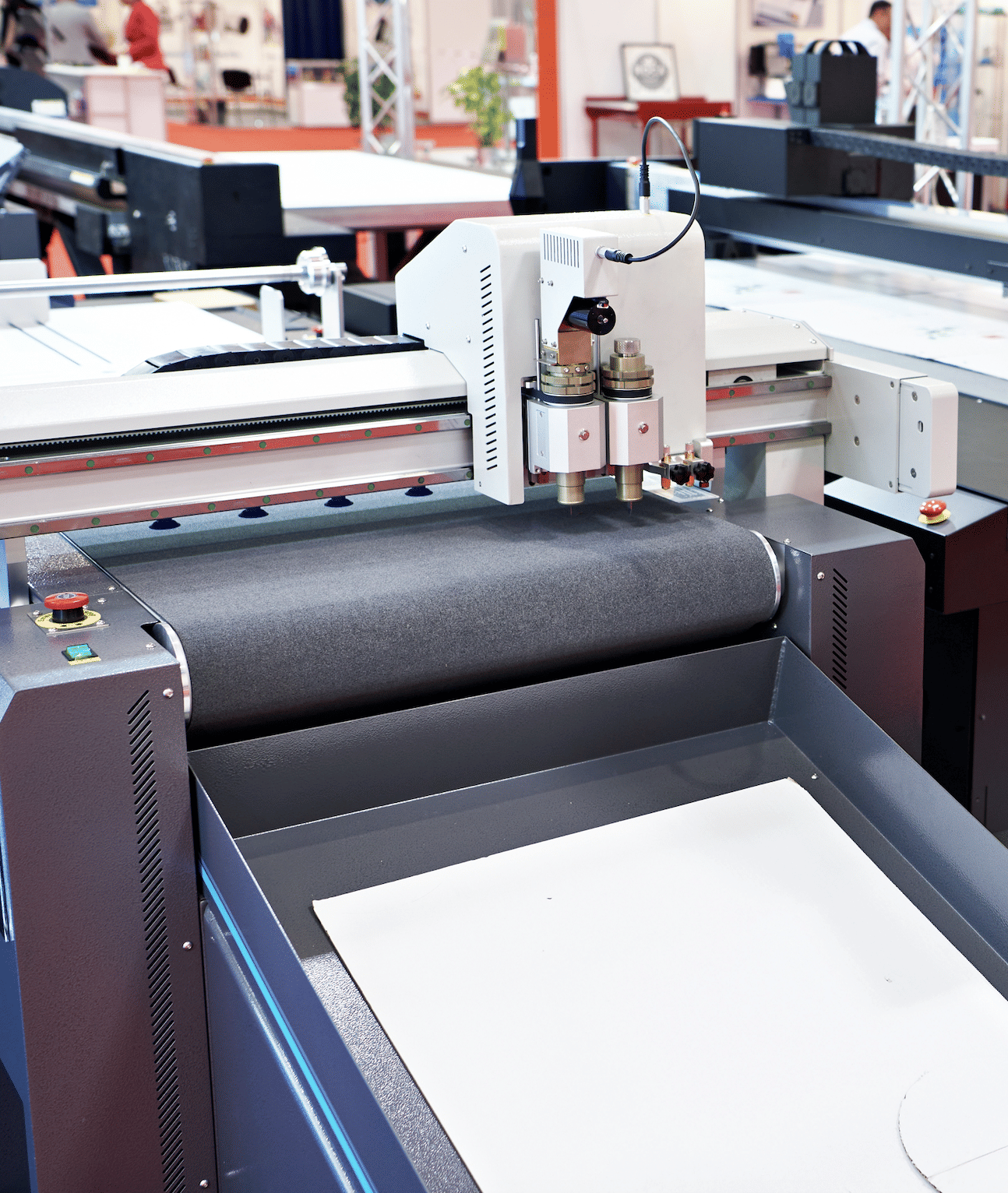
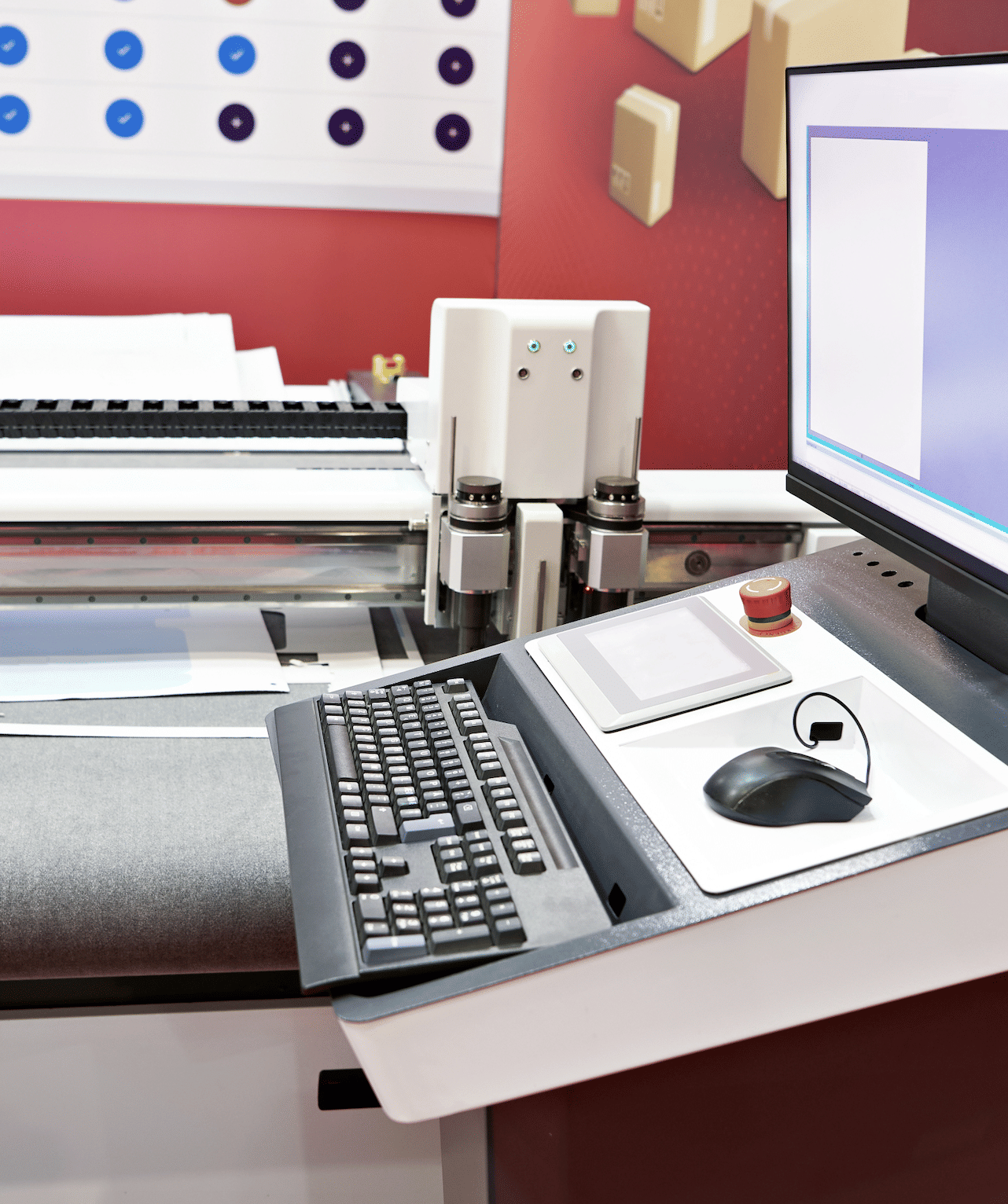
Wide-format printers are designed to produce documents larger than standard office paper. They are used for architectural drawings, engineering plans, posters, banners, signs, maps, charts, displays, construction documents, classroom visuals, retail graphics, and event materials.
These printers are available in black-and-white and color configurations. Some models focus on technical line drawings, while others are built for graphics, photography, signage, or mixed-use applications.
Multifunction Color Printers for Printing, Scanning, Copying, and More
Multifunction color printers combine full-color output with copying, scanning, and digital document tools. They are ideal for businesses that need professional-looking materials and efficient document management from one shared device.
These printers can handle everyday office documents as well as customer-facing materials such as proposals, brochures, presentations, charts, training guides, menus, flyers, and branded reports. At the same time, they help teams scan and route documents into digital workflows.
Why Choose a Multifunction Color Printer?
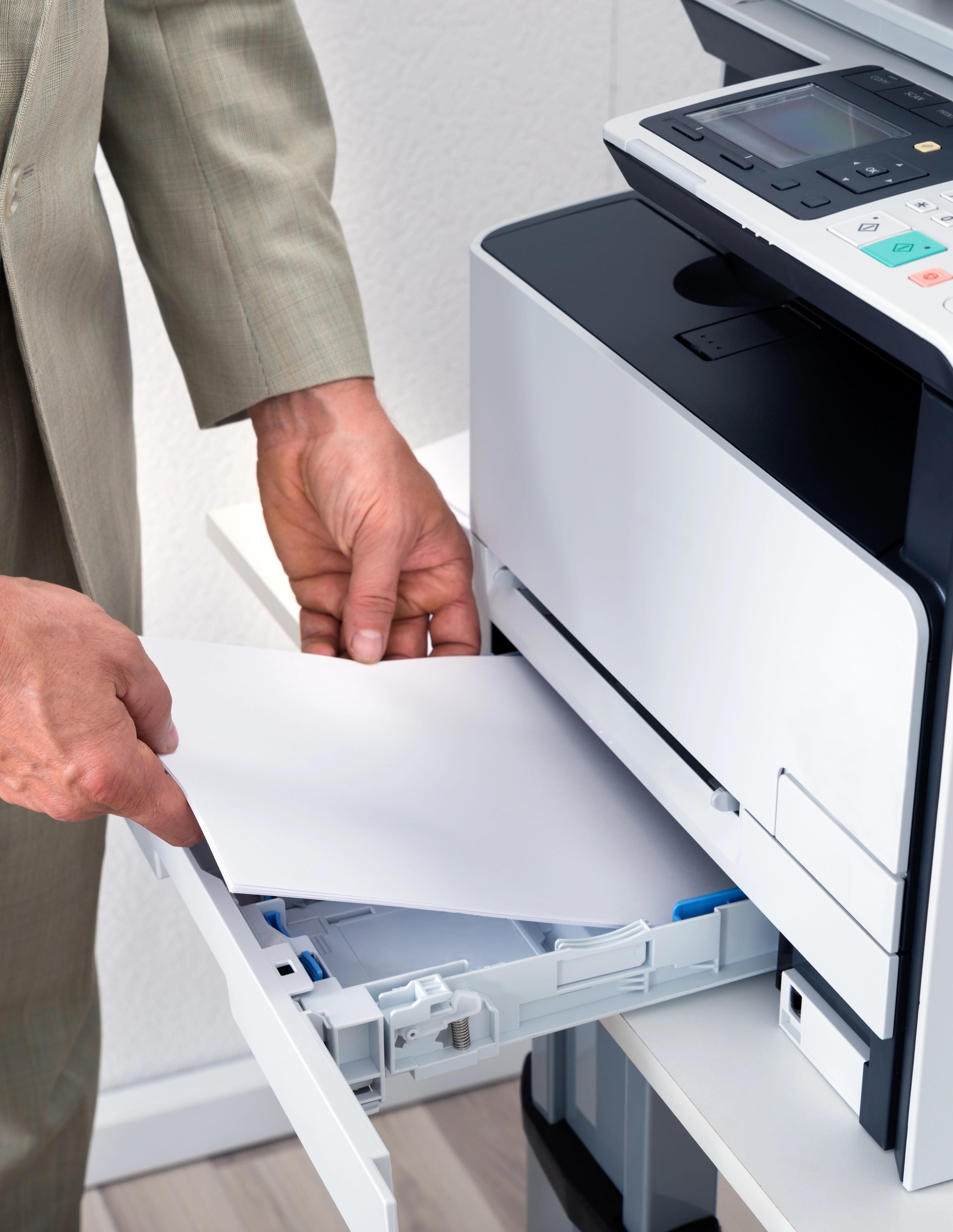
A multifunction color printer is useful when a business wants both versatility and quality. Employees can print polished documents, copy full-color materials, scan signed paperwork, and send files to email or cloud storage without moving between separate machines.
This category is especially helpful for sales teams, schools, healthcare offices, marketing departments, financial firms, real estate offices, and professional service companies. It gives teams the flexibility to handle routine paperwork and higher-impact color documents in the same place.
Important Features to Compare
When choosing a multifunction color printer, consider color accuracy, print speed, scan speed, automatic duplex scanning, paper capacity, finishing options, secure release, and mobile printing. Organizations should also evaluate total cost of ownership, including toner yields, maintenance needs, and expected monthly volume.
A properly sized multifunction color printer can become the central document system for an office, helping employees work faster while keeping printed materials sharp and consistent.
Production Black-and-White Printers for Demanding Print Environments
Production black-and-white printers are built for organizations that need high-volume monochrome output with strong speed, durability, and consistency. These devices are used when standard office printers cannot keep up with the number, length, or timing of print jobs.
They are commonly used for manuals, statements, books, packets, transactional documents, training materials, legal files, educational materials, healthcare forms, and internal communications. Their purpose is to produce large quantities of clean, readable pages with minimal interruption.
What Makes a Printer “Production” Level?
A production printer is designed for heavier workloads, longer duty cycles, larger paper capacities, and more advanced finishing than a typical office printer. Many models can support high-speed output, multiple paper drawers, booklet making, stacking, stapling, hole punching, and workflow automation.
Black-and-white production printers are especially valuable when most documents are text-based. They allow businesses to produce large runs efficiently while avoiding the added supply cost and complexity of color output.
Choosing a Production Black-and-White Printer
The most important factors are monthly volume, peak demand, uptime requirements, finishing needs, media support, operator workflow, and cost per page. Organizations should also consider job scheduling, print management software, security features, and service support.
A production black-and-white printer is a strong fit for print rooms, schools, universities, law firms, healthcare networks, financial institutions, government departments, and businesses with centralized document production.
Production Color Printers for High-Impact, High-Volume Output
Production color printers are designed for organizations that need large volumes of professional-quality color documents. These devices go beyond standard office color printing by offering greater speed, stronger media handling, advanced finishing, and more consistent output across demanding print runs.
They are used for brochures, booklets, direct mail, catalogs, training materials, presentations, reports, signage, manuals, and customer-facing communications. For teams that produce frequent color materials, a production color printer can bring more work in-house and reduce reliance on outside print vendors.
Benefits of Production Color Printing
Production color printers offer better control over quality, timing, and cost. Teams can adjust files, run proofs, make changes, and produce final materials without waiting for an outside provider. This flexibility is valuable when deadlines are tight or when documents need frequent updates.
These systems can also support a wider range of paper weights, coated stocks, oversized sheets, and finishing options than typical office printers. That makes them useful for marketing departments, in-plant print shops, schools, universities, nonprofits, and businesses with regular promotional needs.
What to Evaluate
Important considerations include print resolution, color consistency, monthly volume, speed, paper capacity, media compatibility, finishing, workflow software, and operator training. Businesses should also compare supply costs, maintenance requirements, and service response expectations.
A production color printer is best for organizations that need polished color output at scale and want more control over the entire print process.
When Businesses Need Wide-Format Printing
A standard office printer cannot handle oversized documents efficiently. Wide-format printers solve that problem by supporting larger media widths, roll paper, specialty materials, and high-detail output. They are essential for businesses that frequently print plans, renderings, diagrams, graphics, or large visual displays.
Architecture, engineering, construction, manufacturing, education, government, real estate, marketing, and design teams often rely on wide-format systems. These printers help teams review details clearly, share large visuals, and produce materials at the size the job requires.
Choosing a Wide-Format Printer
The right wide-format printer depends on media size, color needs, print speed, line accuracy, image quality, ink or toner type, workflow software, and finishing requirements. Some organizations need fast technical drawings, while others need vibrant posters and presentation graphics.
A wide-format printer can save time, reduce outsourcing, and give teams more control over oversized document production.
Wide-Format Black-and-White Printers for Plans, Drawings, and Technical Documents
Wide-format black-and-white printers are built for oversized monochrome documents. They are commonly used for architectural plans, engineering drawings, construction documents, site maps, schematics, diagrams, and technical files.
These printers focus on line clarity, speed, and accuracy. For teams that print mostly drawings or plans, black-and-white wide-format printing can be more practical and cost-efficient than full-color output.
Why Choose Black-and-White Wide-Format Printing?
Many technical documents do not require color to be useful. Clear lines, readable notes, accurate scaling, and dependable reproduction are often more important. A wide-format black-and-white printer helps teams print large documents in-house, review changes quickly, and distribute plans without waiting on outside print shops.
This category is especially useful for architecture firms, engineering teams, contractors, builders, municipalities, utilities, facilities departments, and manufacturing companies. It supports fast review cycles and keeps project documentation moving.
What to Compare
When selecting a wide-format black-and-white printer, consider maximum media width, print speed, resolution, line accuracy, roll capacity, stacking options, scanning needs, and software compatibility. Some teams may also need secure print workflows, job accounting, or integration with design and construction platforms.
A wide-format black-and-white printer is a practical tool for organizations that depend on oversized technical documents every day.
Wide-Format Color Printers for Large Graphics and Visual Communication
Wide-format color printers produce oversized documents with full-color output. They are used for posters, banners, signs, maps, renderings, classroom visuals, retail displays, event graphics, presentations, trade show materials, and large-format marketing pieces.
These printers are useful when size and visual impact matter. They allow organizations to create colorful materials in-house, make quick updates, and produce short runs without relying on an outside vendor for every project.
Where Wide-Format Color Printers Are Used
Wide-format color printers are common in marketing departments, schools, universities, architecture firms, design studios, construction offices, real estate companies, government agencies, and retail environments. They can support both practical documents and promotional materials.
Color is especially helpful for maps, renderings, charts, layouts, signage, and graphics that need to be understood quickly. A large, full-color print can make complex information easier to review and more effective in meetings, classrooms, lobbies, and public spaces.
Choosing the Right Model
Important factors include maximum print width, media compatibility, color quality, ink type, print speed, resolution, roll handling, cutting options, and software integration. Some businesses need photo-quality graphics, while others need durable signs or fast color plans.
A wide-format color printer gives teams the ability to create oversized visual materials with more control over timing, quality, and cost.

GCOP
2026 Gulf Coast Office Products. All rights reserved | Privacy Policy | Legnd Web Design