

Multifunction Printers
Multifunction Printers
Multifunction Printers Built for Busy Offices
Office printing has changed in a quiet way over the last few years, because most teams now expect their documents to move as fast as their conversations. A multifunction printer for offices brings print, copy, scan, and fax into one dependable system, which means fewer devices to babysit and fewer bottlenecks when deadlines tighten. Gulf Coast Office Products helps Louisiana businesses choose multifunction office printers that fit the way real offices operate, not the way a spec sheet looks in a vacuum.
Most offices do not need the biggest machine on the market, yet they do need a printer that feels effortless when ten people are trying to use it at once. The right MFP supports everyday work like invoices, onboarding packets, and signed forms, while staying stable during high-volume weeks that would overwhelm consumer-grade devices. GCOP focuses on practical performance, clean setup, and responsive support, which is exactly what keeps an office from losing time to printing problems.
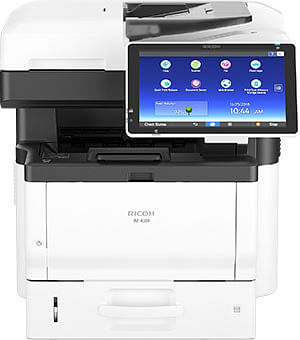
IM 430F
- 10.1" Smart Operation Panel
- Mobile Printing
- PostScript3 Emulation
- 500-Sheet Paper Tray

IM C401F
- 10.1" Smart Operation Panel
- 50-Sheet Single-Pass Document Feeder
- 550-Sheet Paper Tray
- 100-Sheet Bypass Tray

IM C401SRF
- Print, copy, scan, and fax capabilities
- Up to 45 ppm B&W / 42 ppm color
- Up to 1,200 × 1,200 dpi print resolutio
- 10.1" Smart Operation Panel
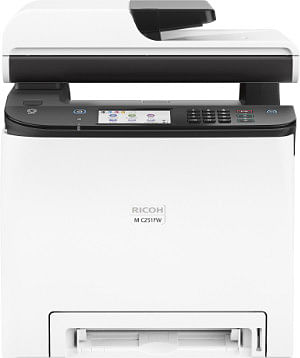
M C251FW
- 4.3" Touch Panel
- 250-Sheet Paper Tray
- 1-Sheet Bypass Tray
- 50-Sheet Single Pass Document Feeder
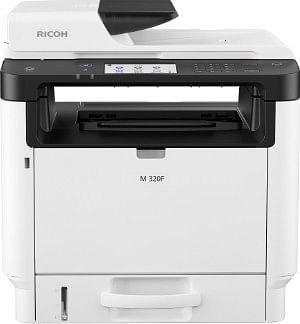
M 320F
- 4.3" Color Touch Panel
- 250-Sheet Paper Tray
- 35-Sheet Automatic Reversing Document Feeder
- 50-Sheet Bypass Tray
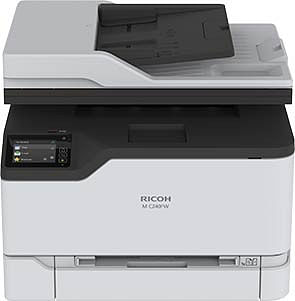
M C240FW
- 2.8" Touch Panel
- 250-Sheet Paper Tray
- 1-Sheet Bypass Tray
- 50-Sheet Automatic Document Feeder
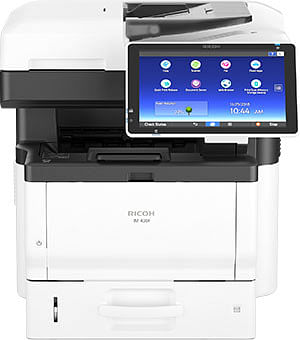
IM 430FTL
- 10.1" Smart Operation Panel
- Mobile Printing
- PostScript3 Emulation
- 500-Sheet Paper Tray
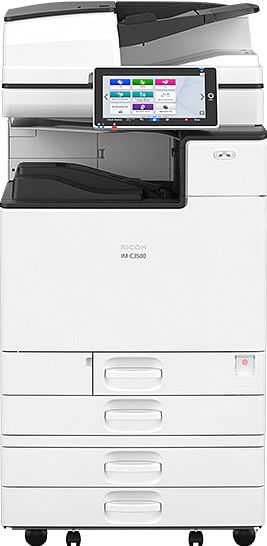
IM C3500
- 10.1" Keyless Smart Operation Panel
- 220-Sheet Single Pass Document Feeder
- Automatic Duplex
- PostScript3 Emulation

IM C3000
- 10.1" Keyless Smart Operation Panel
- 220-Sheet Single Pass Document Feeder
- Automatic Duplex
- PostScript3 Emulation
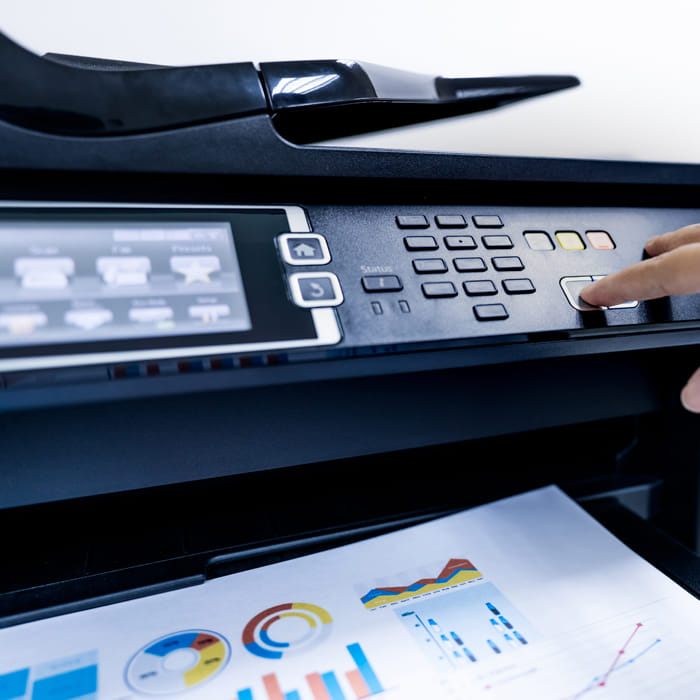
Why Businesses Choose Multifunction Printers
Businesses choose multifunction printers because they simplify the entire document environment, not just the print job itself. A single MFP can replace multiple machines, which reduces clutter, cuts down on competing supplies, and makes the workflow easier for employees who do not want to learn three different interfaces. A well-matched MFP also makes costs easier to predict, because service, supplies, and usage reporting can be managed in one place.
Multifunction printers also reduce the small friction that adds up across a week, especially when scanning and routing documents becomes part of daily operations. Teams that used to scan on one device and print on another often discover that the time loss was not obvious until it disappears. A modern office MFP becomes a shared utility, which frees people to focus on the work that actually drives revenue.
Benefits That Add Up Day After Day
Compact design keeps equipment footprints smaller, which makes it easier to reclaim counter space, reduce cable clutter, and maintain a cleaner front office.
Reduced maintenance comes from consolidating devices, standardizing supplies, and relying on business-class components designed for sustained office volume.
Mobile and cloud printing support lets staff print and share documents from phones, tablets, and cloud platforms, which matches how teams collaborate when they are not tied to a single desk.
What Makes Gulf Coast Office Products a Smart Choice for Office MFPs
Buying a multifunction printer is not the hard part, because anyone can ship a box and call it a solution. The real difference comes from matching the device to your volume, your document types, your network environment, and your expectations for uptime, then backing it with service that shows up when it matters. Gulf Coast Office Products approaches MFPs as a business system, which means your office gets a plan, not a guess.
A strong MFP experience also depends on training and follow-through, because even great hardware can feel frustrating if employees do not know the fastest way to scan, route, and secure documents. GCOP helps teams adopt features that save time, rather than leaving them stuck using only the print button. That focus turns a multifunction printer into a productivity upgrade instead of another piece of office furniture.
Copy, Print, Scan, and Fax From One Reliable Hub
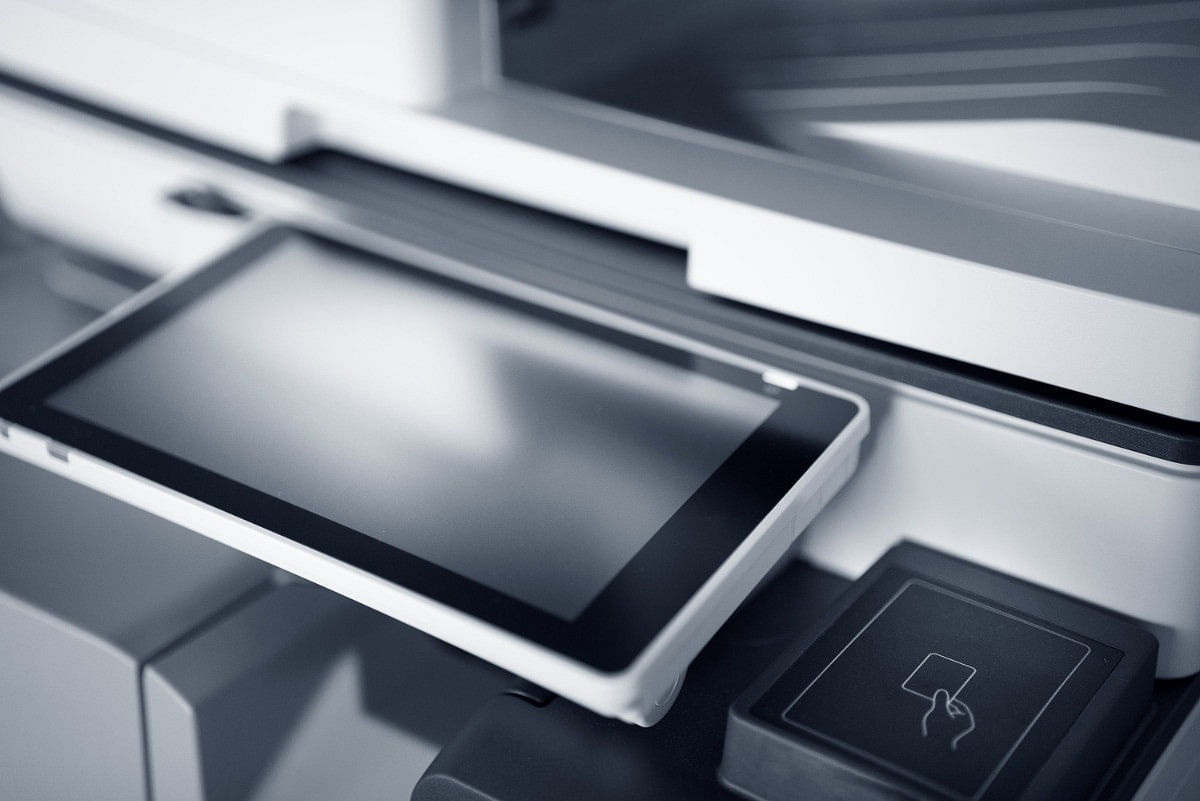
A modern MFP earns its keep by handling the full cycle of office documents without forcing employees to improvise. Copying stays crisp for client packets, print quality remains consistent for proposals and presentations, and scanning becomes a repeatable routine instead of a daily gamble. Faxing still matters in many industries, and an office-ready MFP keeps that capability available without dragging the workflow back into the past.
Reliability comes down to build quality, proper configuration, and the right service model, which is why Gulf Coast Office Products emphasizes business-grade multifunction office printers over consumer devices that were never built for steady office use. The result is fewer jams, fewer mystery errors, and fewer moments where an office loses momentum because one machine decided to be temperamental. Offices run better when document tools behave like utilities, not experiments.
Mobile and Cloud Printing That Fits How Teams Work
Printing is no longer limited to a workstation, because staff often move between conference rooms, front desks, and off-site meetings while staying connected to shared systems. Mobile printing gives teams the ability to send a document from a phone or tablet and retrieve it securely at the device, which helps when a quick revision needs to become a signed packet in minutes. Cloud printing support also streamlines collaboration, because files stored in cloud platforms can move into print and scan workflows without a clunky series of downloads and re-uploads.
Cloud-connected workflows matter even more when scanning is part of daily operations, since the fastest offices treat scanning as a routing tool, not an archiving chore. A well-configured MFP can send scanned documents to approved destinations, support consistent naming rules, and reduce the chance that important files get lost in someone’s inbox. Gulf Coast Office Products helps offices set up mobile and cloud printing in a way that feels simple for the end user while staying organized for the business.
Choosing The Right Printer Starts With Your Workflow
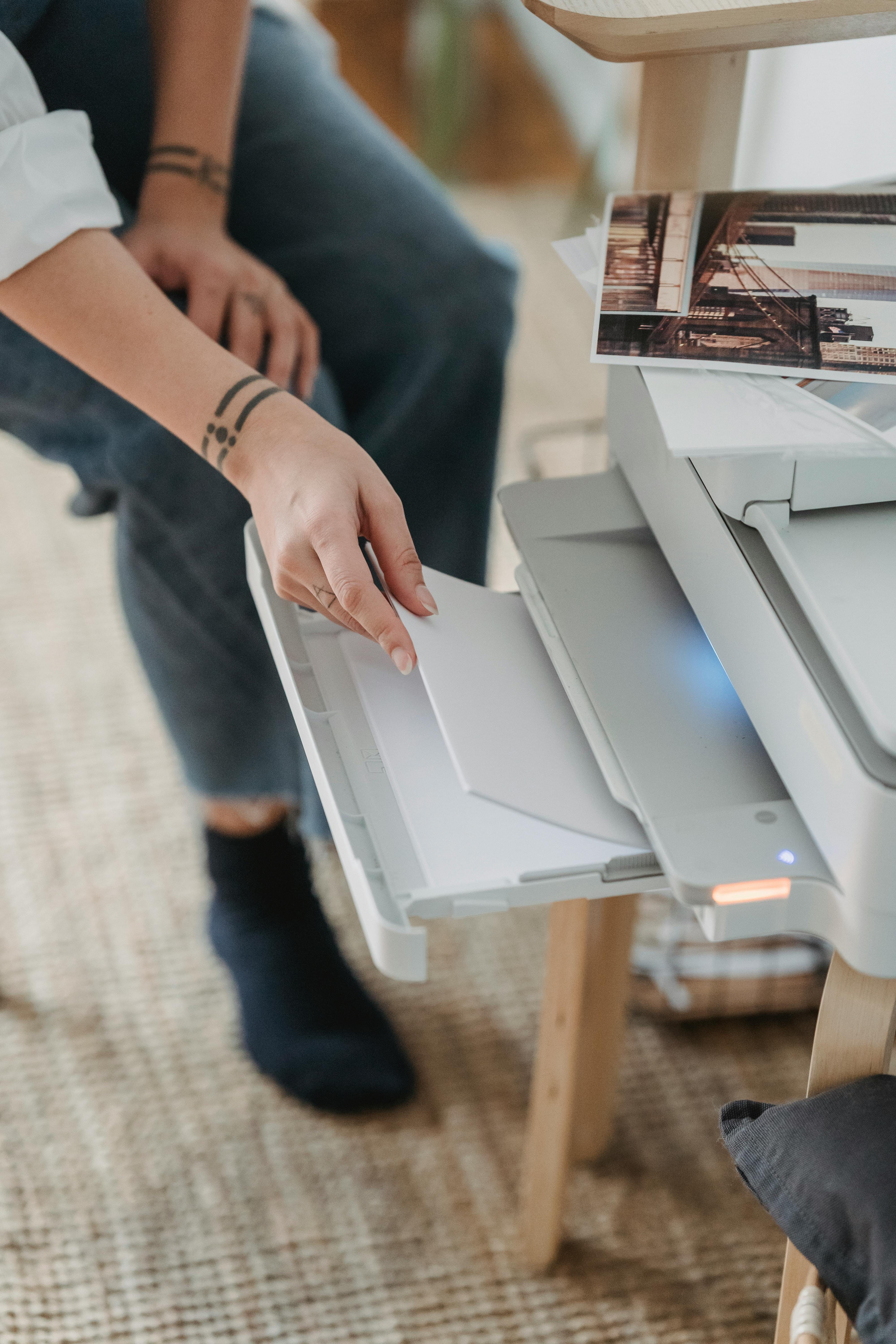
Document management becomes dramatically easier when the multifunction printer is connected to the same system that organizes your files, tracks versions, and controls access. DocuWare integration helps offices capture documents at the source, apply consistent indexing, and route files into the right workflows without relying on manual sorting. That structure matters in real life, because a document that is easy to find is a document that keeps work moving.
Ricoh Smart Integration adds another layer of flexibility, especially for offices that want app-style tools at the device to support scanning destinations, connectors, and workflow actions. Instead of asking employees to memorize complicated steps, the device can present guided options that match the way the business runs. A better interface reduces errors and reduces training time, which is often the difference between a feature people love and a feature nobody uses.
Integration is also where an MFP becomes more than a printer, because the device starts acting like a front door into your document processes. Gulf Coast Office Products helps offices decide which integrations matter, then configures them so staff can use them naturally, even on a busy day when nobody has patience for extra clicks.
Security and Workflow Automation That Protect the Business
Office printers handle sensitive documents every day, which means security cannot be treated as an afterthought or a buzzword. A business-ready MFP can support user authentication, secure print release, encrypted communication, audit-friendly tracking, and role-based access, which helps reduce the risk of documents being seen by the wrong person. These protections matter in healthcare, legal, education, and finance, where information handling is part of the job, not a side concern.
Workflow automation is the other half of protection, because many document mistakes happen when people are rushed and processes are inconsistent. Automated scan workflows can standardize where documents go, how they are named, and which team receives them, which reduces the chance that sensitive files are misrouted. Automation also keeps tasks from piling up, because documents can move forward immediately instead of waiting for someone to remember the next step.
Gulf Coast Office Products helps offices balance convenience with control, because security only works when people actually follow it. The goal is to create a workflow that feels easy for staff while quietly enforcing rules that protect clients, patients, students, and financial data. A secure MFP environment supports confidence, because the office can move quickly without feeling careless.
Top Features in GCOP’s MFP Lineup
High-speed output with consistent image quality supports busy workgroups that cannot afford slowdowns during peak hours.
Smart scanning tools, including OCR options and guided workflows, make digital filing faster and reduce manual data entry.
Secure print release and access controls help keep confidential documents from sitting unattended on output trays.
DocuWare connectivity and Ricoh Smart Integration support streamline capture, routing, and device-based workflow actions.
Centralized management and reporting help track usage, plan supplies, and maintain predictable operating costs.

Industries We Serve Across Louisiana
Healthcare offices need document tools that support steady volume, protect sensitive information, and keep intake, referrals, and records moving without chaos. Legal teams rely on dependable printing and scanning for case files, discovery packets, and signed documents, where delays create real consequences and misfiles create avoidable stress. Education environments often need flexible access, easy scanning, and stable performance across multiple departments, while finance teams prioritize accuracy, security, and predictable cost control.
Gulf Coast Office Products works with organizations across these sectors, because the value of a multifunction printer rises when the device matches the real workflows of the industry. Internal link: /industries/law-firms. Internal link: /industries/hospitals-and-medical-services. Each industry brings different pressures, and the right office MFP setup respects those pressures through configuration, security options, and workflow design that fits daily operations.
Local Support Across the State
Fast support changes the entire ownership experience, because a printer problem feels small until it stops an office cold. Gulf Coast Office Products provides local, Louisiana-based coverage with a statewide presence that includes Baton Rouge, Lafayette, New Orleans, and Mandeville, which helps businesses stay productive without waiting on distant service pipelines. Local support also improves accountability, since your team knows who to call and what to expect.
Service is not only about fixing issues, because proactive support keeps the environment stable before problems grow teeth. Ongoing maintenance, supply planning, and clear communication help offices avoid the cycle of surprise downtime and rushed workarounds. Gulf Coast Office Products treats support as part of the product, which is exactly what offices want when printing is a daily requirement.

How the Right Office MFP Gets Chosen and Installed
A quick review of print volume, scan needs, security expectations, and department workflows identifies what the office actually needs.
Device options are matched to performance requirements and cost targets, which helps avoid overspending and underpowering at the same time.
Network setup, user access, scan destinations, mobile printing, and workflow tools are configured to match real daily processes.
Staff training focuses on the features people will truly use, which increases adoption and reduces day-one confusion.
Service, supplies, and optimization continue after installation, which helps the device stay reliable as your office evolves.
Schedule a Demo Today
A multifunction printer should feel like an upgrade the first week, not a complicated project that drags on for months. Gulf Coast Office Products helps offices choose multifunction printers for offices that fit the work, support mobile and cloud printing, and integrate with document tools like DocuWare and Ricoh Smart Integration, while keeping security and workflow automation front and center. The goal is a document environment that stays organized, stays protected, and stays fast.
Choosing the right partner matters as much as choosing the right device, because the best hardware still depends on setup, training, and service that keeps your team moving. Choose Gulf Coast Office Products for the best multifunction office printers around, with local Louisiana support that helps your office print smarter, scan faster, and work with fewer interruptions.

GCOP
2026 Gulf Coast Office Products. All rights reserved | Privacy Policy | Legnd Web Design